Design available to download on Cults3d -Click Here
Create a seamless, professional monitor bezel for your 737SS build
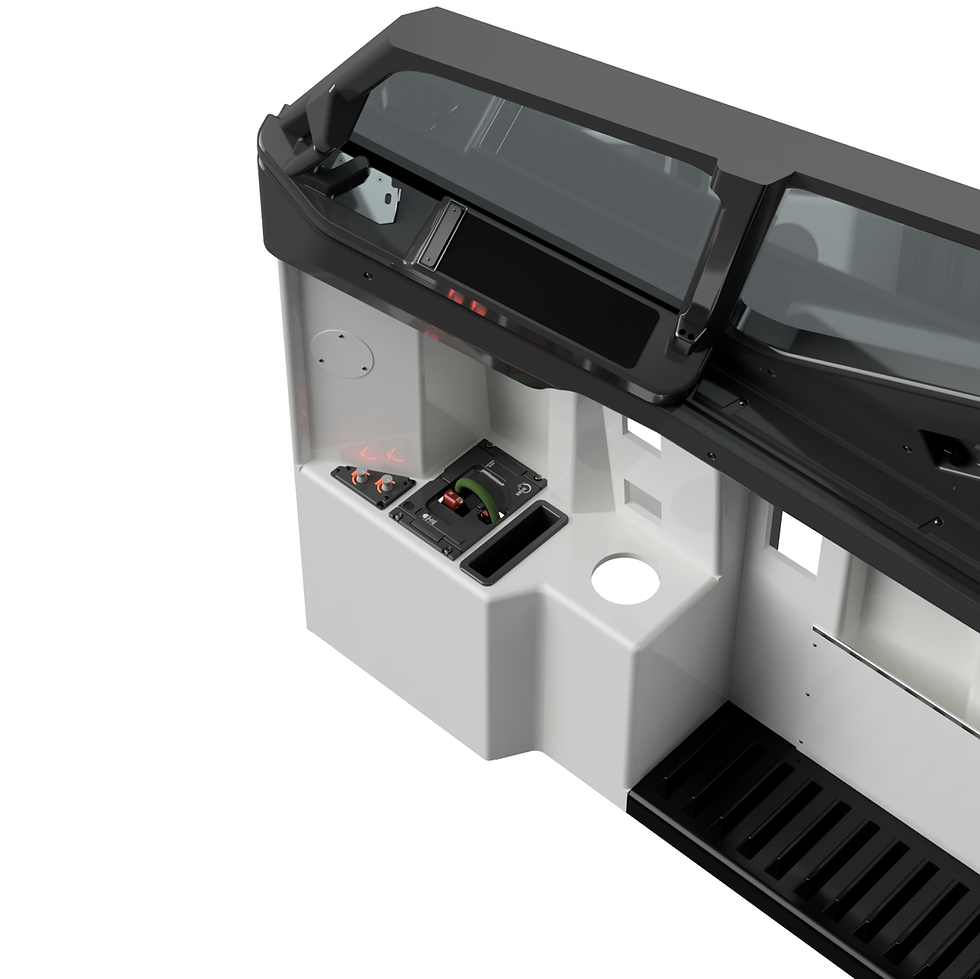
The 737SS Screen Frame system is engineered to fully hide the MIP backboard and create the clean, unified look of a real‑aircraft display surround. This package includes editable CAD, 3MF print files, and SPM (Small Printer Mod) variants so builders with any print bed size can achieve a perfect result.
Features
Perfectly Integrated Bezel Design
These frames feature a deep, recessed internal profile that allows them to sit flush against your monitor while completely concealing the MIP backboard for a professional, one‑piece appearance. The design is based on frames used in your existing cockpit files and documentation, ensuring cross‑compatibility with the 737SS ecosystem.
Adjustable Parametric CAD
Modify the frame depth to match your own MIP backboard thickness using the included CAD files. This guarantees a precise, custom fit—just be sure not to over‑extend the depth to avoid pressing against your display.
Full‑Size + Small Printer Mod (SPM)
- Full‑Size: Fits 300 × 300 mm print beds.
- SPM: Split parts designed to fit most small printers and bond together cleanly using CA glue, 3D Gloop, or equivalent.
Brass Insert Mounting System
The rear face of each frame is designed to accept heat‑set brass inserts, enabling you to:
- Securely fasten the frame to your MIP backboard
- Keep the frame 100% removable for service, alignment, or future upgrades
High‑Quality Knob Option
The included adjustment knob can be resin‑printed to achieve a smooth, crisp finish superior to FDM printing.
Printing Recommendations
Best Print Settings
- Layer height: 0.12 mm or finer for sharp geometry
- Orientation: Face‑up for a cleaner visible surface
- Enable ironing for silky top layers
- Supports: Required (due to recessed geometry)
Finishing Workflow
For an exceptional paint‑ready surface:
Wet‑sand the printed frame
Apply a high‑build primer
Sand and re‑prime as needed
Paint in your preferred cockpit finish
Build & Print Guides
A complete print guide, parts list, and assembly walkthrough is available on the official 737DIYSIM website:
👉 https://www.737diysim.com/build-guides-1/737ss-mip-screen-frames
This guide includes:
- Orientation & slicing advice
- SPM assembly steps
- Support setup
- Painting & finishing workflow
- Hardware installation (brass inserts, screws, monitor clearance)
What’s Included
- CAD files (editable)
- 3MF files (ready‑to‑slice)
- SPM versions for smaller printers