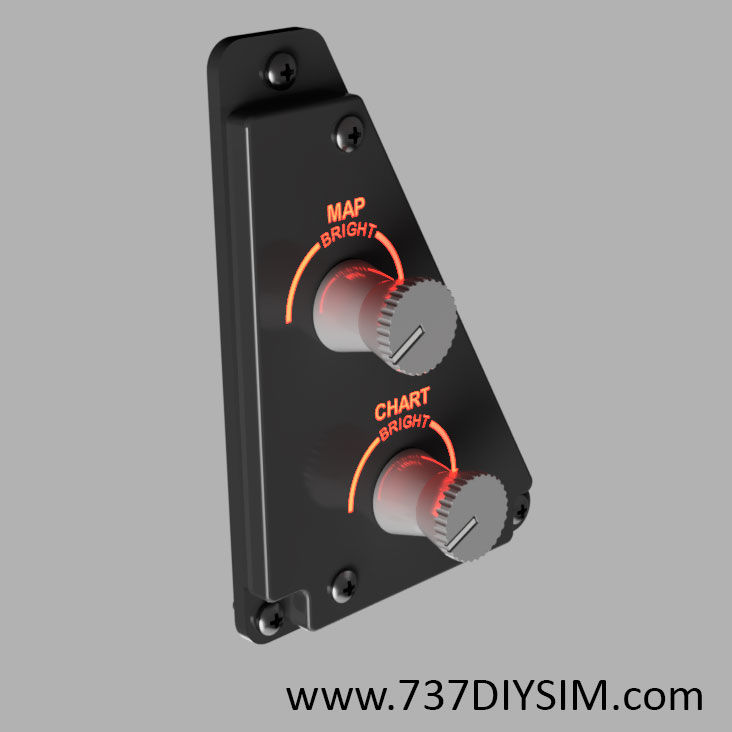
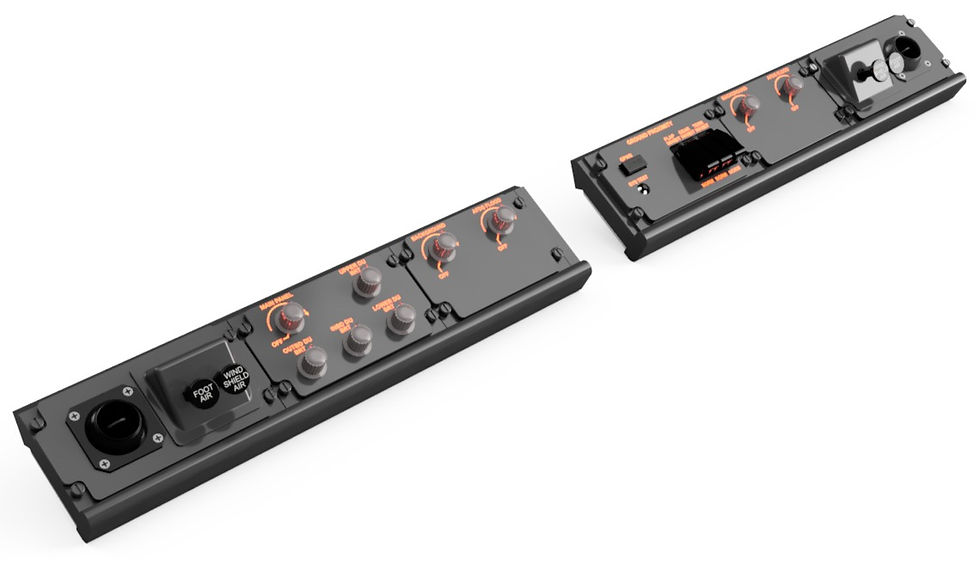
Available to download on Cults3d - Click Here
Product Description
Bring your Boeing 737 Dual‑Seat (DS) simulator to life with this highly detailed Front Section / Main Instrument Panel (MIP) CAD master design. This download provides the complete STEP/STP assembly used as the foundation for the full‑scale 737DIYSIM dual‑seat cockpit build—ideal for makers, builders, educators, and serious sim enthusiasts.
Designed with precision and proven across multiple real builds, this model is the core structural starting point for the 737DS cockpit. Whether you’re CNC‑cutting panels, 3D printing components, or fabricating your cockpit manually, this model provides the accurate geometry you need to achieve a clean professional‑grade fit.
Access Requirements
To open and work with this file, you will need:
- Autodesk Fusion 360 (recommended)
- or any CAD program capable of importing STEP (.stp) files
This product contains only CAD data—no STL files, hardware, electronics, or physical parts are included.
What’s Included
This CAD package includes the complete 737DS Main Instrument Panel and associated attachable components (CAD representations). These allow you to plan, monitor, and fitment, electronics placement, panel spacing, and the general cockpit layout.
Included assemblies and reference components:
- Flight Management Computer (FMC)
- Mode Control Panel (MCP)
- Electronic Flight Instrument System (EFIS)
- Rudder Pedals
- And many other essential cockpit elements are used for alignment, spacing, and fabrication planning
These items allow accurate positioning and reproduction of the fundamental 737 cockpit geometry.
Design Features
- Highly detailed geometry: Every panel, cutout, screw location, LED housing, nut, and bracket is modelled for accurate fabrication.
- Fabrication‑first design: Suitable for 3D printing, CNC routing, laser cutting, or traditional hand‑tool construction.
- Modular & editable: Copy individual panels into new projects, extract measurements, or export sub‑assemblies for custom workflows.
- Comprehensive reference layout: Ensures correct spacing when integrating your avionics, displays, and switchgear.
This is the exact CAD foundation used in our own full‑scale 737DS build.
Performance Notes
Because this is a large, highly detailed assembly, expect:
- Longer initial loading times
- Higher RAM/CPU usage in lower‑spec systems
- Best performance on modern multi‑core systems with 16–32 GB RAM
You may hide sub‑assemblies in Fusion 360 to improve performance during editing.
Usage & Context
This CAD file is intended for:
- Home cockpit builders seeking a verified, dimensionally accurate 737 MIP starting point
- Makers / CNC users wanting to create their own panel system from a clean reference model
- Educators or training environments requiring a realistic modern flight deck geometry
- Builders wanting to customise, upscale, or integrate 3rd‑party electronics
The file allows you to generate:
- DXF drawings for panels
- STL files (exported manually from Fusion if required)
- Fabrication plans for wood/MDF, metal, or acrylic construction
- Fit‑checks for displays, brackets, and switch clusters
Important Notes
- This is a CAD‑only master file.
- No STLs, hardware, wiring diagrams, or electronics are included.
- Some components may require adaptation depending on monitor choices, material thicknesses, or personal cockpit layouts.
- Licensing permits personal use only—not for redistribution, resale, or commercial manufacturing.
A detailed step‑by‑step MIP and Front Section build guide is available on our website. This guide covers materials, tools, monitor fitment, fabrication processes, and assembly steps.
Upgrade Path
This package includes the baseline MIP geometry.
Many components (MCP, EFIS, FMC, annunciators, resin upgrades, backlighting components, faceplates, etc.) have stand‑alone upgraded versions available in the 737DIYSIM shop.