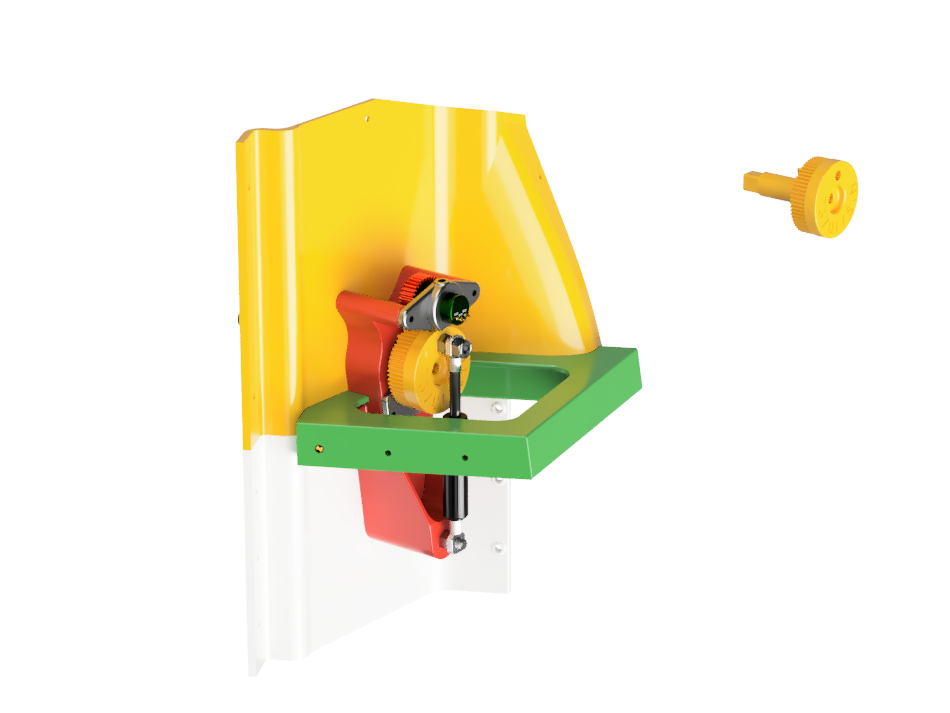
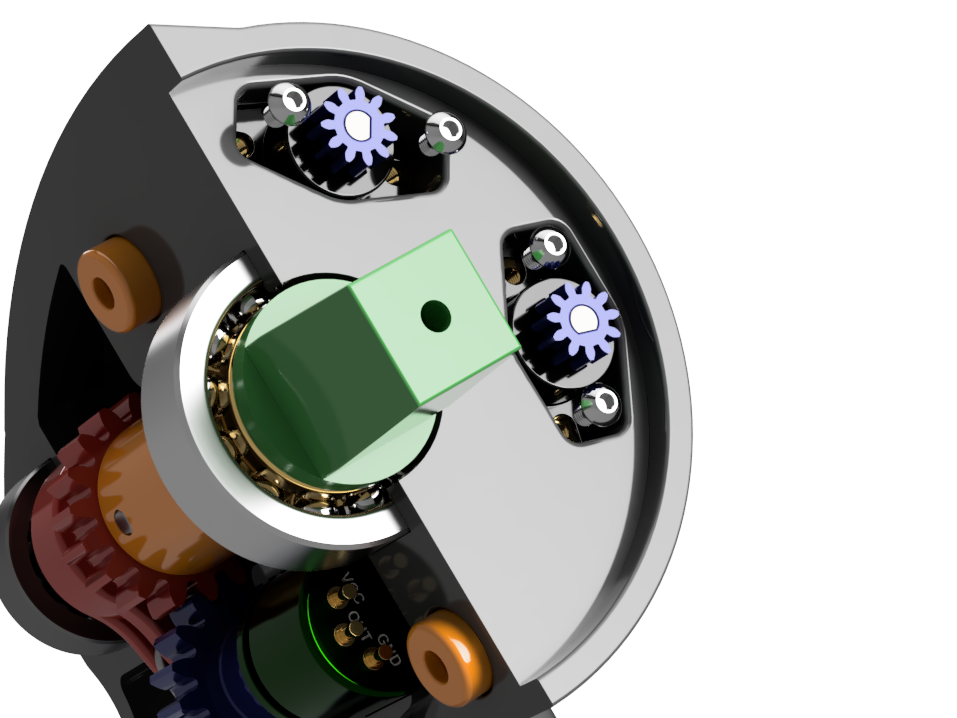
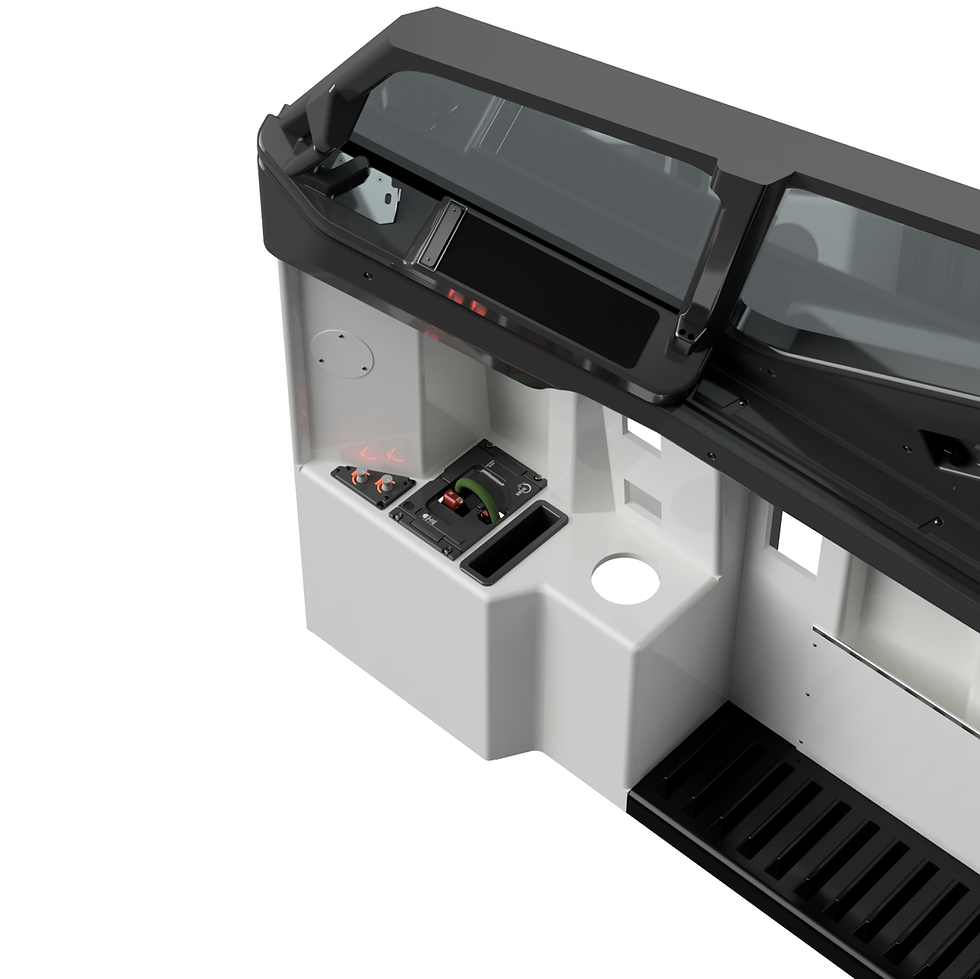
737 Forward Overhead Panel – Complete CAD Design (Fusion 360 STEP FILE, 2020)
CAD Design Only – No STL Files or Physical Parts Included
Bring your simulator build to life with this highly detailed Boeing 737 Forward Overhead Panel CAD model, created in Fusion 360 and refined over more than two years. Designed originally for CNC machining, this file is fully compatible with 3D printing workflows—simply isolate the panel you need and export it as an STL.
Every screw, nut, switch body, recess, and electrical component is represented with precision, giving you an exceptional reference model for building a functional or display‑grade overhead. While some backlighting recesses or mounting holes may need minor tweaks (due to CNC vs. 3D printing differences), that’s exactly where the CAD format shines: adjust a feature with a simple extrude or split, and it’s instantly correct and in position.
This model has been used by countless builders worldwide, with many adding their own improvements and achieving stunning results. Don’t be intimidated by the size or complexity—built one panel at a time, 90% of the overhead is simply switches, LEDs, and wiring. Daisy‑chaining grounds makes life easier, and this panel works beautifully with the BOB Mobiflight Interface Board (recommended):
https://www.737diysim.com/product-page/mobiflight-interface-board.
What’s Included
- Complete 737 Forward Overhead Panel CAD assembly
- All sub‑panels modelled with accurate bezels, fasteners, and geometries
- Wooden mounting frame, forward hinge system, and rear locking plate
- 360° mini‑servo‑ready gauges (dual gauge redesign currently simplified)
- Fully inspectable dimensions and design intent
- Components arranged exactly as in the real aircraft
Important:
This download contains CAD files only.
No STL files, electronics, printed parts, or physical items are included.
Originality & Why This File Is Essential
- Unmatched completeness: every screw, nut, and electrical element is represented—ideal for CNC, laser, or 3D printing reference.
- Built from real measurements: developed over years while building full‑scale overheads.
- Adaptable: tweak any part to your preferred manufacturing method.
- Cost‑effective DIY alternative to commercial overhead systems.
- Future‑proof: as 3D printers (especially multi‑colour Bambu‑style printers) improve, the results get better every year. Printed panels look incredible with dual‑colour layers for legends/backlighting.
- Beginner‑friendly workflow: export, print, assemble. No need for advanced CAD knowledge—just basic navigation and simple sketch edits.
Use Case & Context
This design is perfect for:
- Full‑scale 737 home cockpit builders
- DIY enthusiasts wanting an accurate overhead without commercial pricing
- CNC and laser builders who want clean, technical geometry
- 3D printing enthusiasts using modern multi‑colour printers
- Resin‑printer owners looking to produce extremely sharp knobs and details
Set the panel into lights test mode and it glows like the real aircraft—one of the most satisfying milestones in any cockpit build.
Potential Limitations
- This is not a 100% perfect replica—minor tolerances and hole variations may need adjustments depending on your production method.
- Some recesses and backlighting channels may need simple edits before printing.
- Gauge mechanisms use 360° mini servos; dual gauges currently have a simplified design.
- Some guages are DUMMY! Just decals!
- Requires beginner to moderate Fusion 360 knowledge to export parts cleanly and make minor edits.
- DXF files are not included, but you can generate them easily using projected sketches within Fusion 360.