PLEASE NOTE: You will need Fusion 360 or compatible CAD software to view or edit these files.
Description
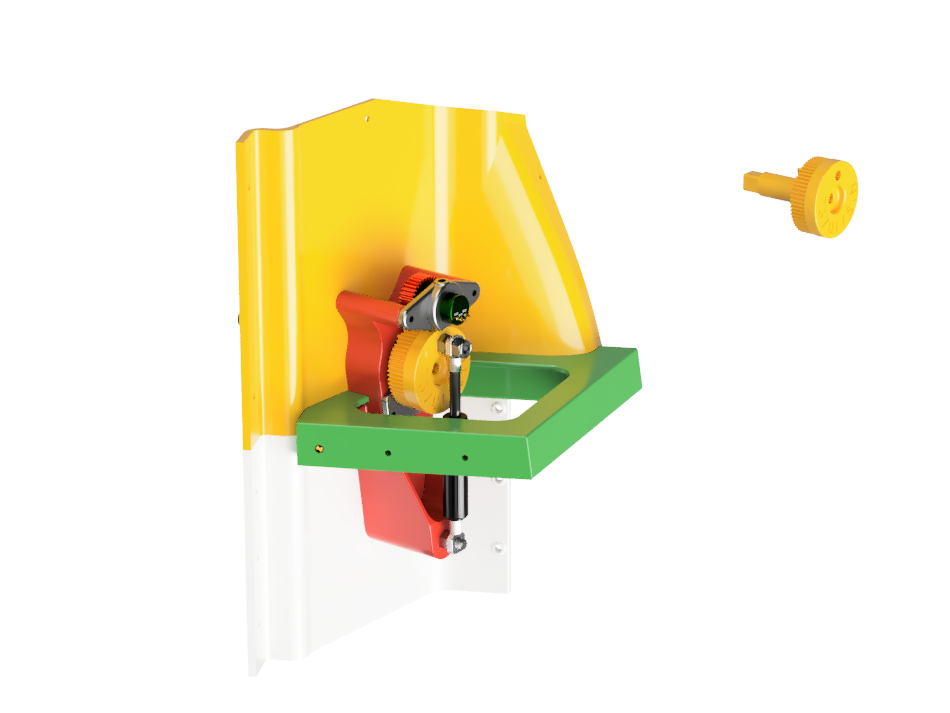
This CAD package contains my original design for both the Left‑Hand Side (LHS) and Right‑Hand Side (RHS) Boeing 737 MIP Knee Panels—created back in the days before 3D printing was common!
The model includes all wooden structural components, acrylic panel designs, and digitally‑modeled electrical parts, showing exactly how everything fits together. The design replicates the real unit closely, with special attention given to the air‑duct geometry, which was matched to the real part. Although I never printed the duct at the time, I’ve always wondered how it would turn out—now you can try it!
This package also includes my early replica push‑pull knobs (non‑functional) and the placeholder grey knobs I used before authentic Boeing‑style ones were available. These can still be used, but today you can easily 3D print proper knobs for a more accurate finish.
While originally designed as a wood‑and‑acrylic build, this model can absolutely be fully 3D printed, much like the 737SS components. A CNC machine and 3D printer aren’t required—but they will elevate the final result significantly.
For wiring diagrams, please visit the relevant pages on my website.
Features
- ✔️ Complete CAD for LHS & RHS 737 MIP Knee Panels
- ✔️ Includes wooden structure, acrylic panel layers, and reference electrical components
- ✔️ Air‑duct modeled from real‑world measurements
- ✔️ Push‑pull knobs included (replica, non‑functional)
- ✔️ Suitable for 3D printing or CNC routing
- ✔️ Perfect for home cockpit builders, 737 enthusiasts, and full‑scale sim construction
Use & Context
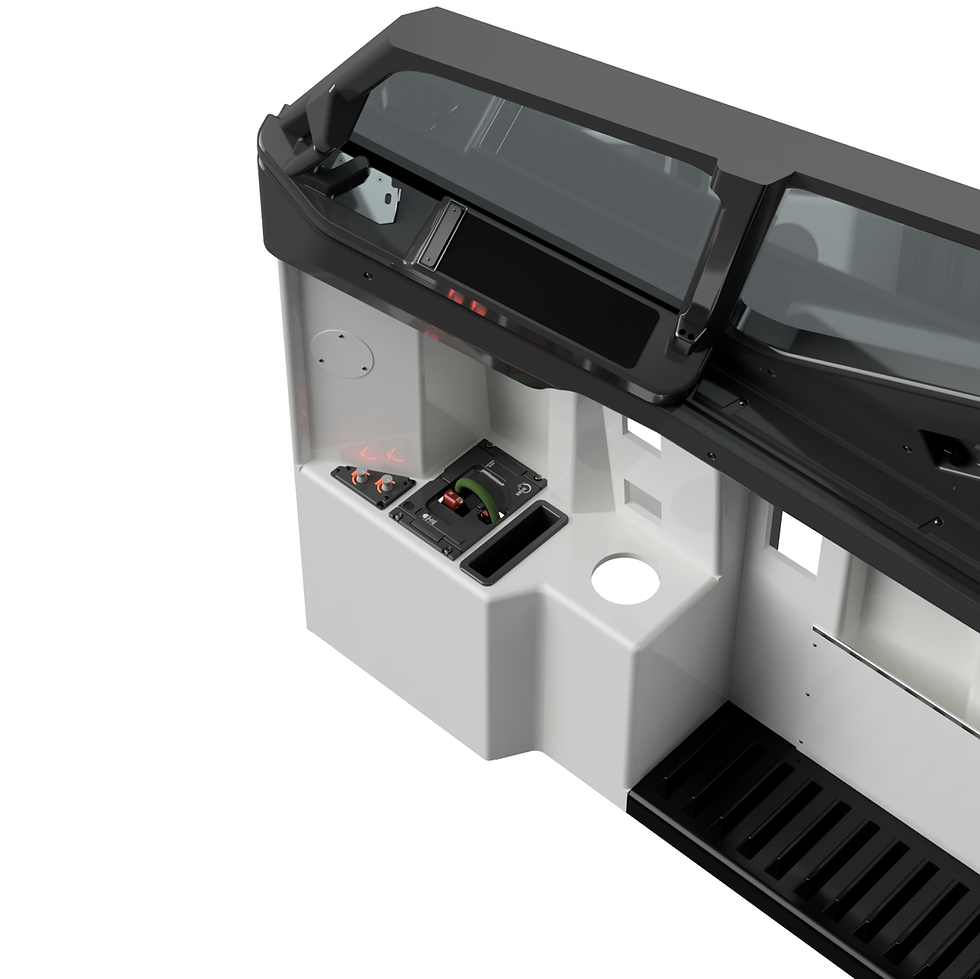
This CAD model is designed for anyone building a Boeing 737 flight simulator, particularly full‑size MIP setups. Whether you're working on the 737SS, 737DS, or a custom hybrid rig, these knee panels form an essential part of the lower MIP area—housing switches, ducting, and side‑mount components.
It’s an excellent reference for:
- Full‑scale cockpit construction
- Sim builders wanting accurate geometry
- Makers transitioning older wood designs into modern 3D‑printed builds
- Anyone restoring or upgrading an existing 737 simulator
Originality & Why It’s Essential
This was one of my earliest full‑scale MIP designs—created entirely before desktop 3D printers were common. Because of that, it’s built with clarity and practicality in mind, using methods that home builders could achieve with simple tools.
Today, this CAD is still valuable because:
- It shows exact part relationships, spacing, and structure
- It gives sim builders a complete knee‑panel assembly without guesswork
- It allows you to mix fabrication styles: wood, acrylic, CNC, or full 3D print
- It preserves a piece of early DIY cockpit design history
Limitations
- Not all parts are designed for direct 3D printing (originally wood & acrylic).
- Push‑pull knobs are decorative only and not functional.
- You need Fusion 360 or a compatible CAD program to view/edit files.
- Some parts may need minor modification depending on your build method.
Included Files
- Full CAD assembly