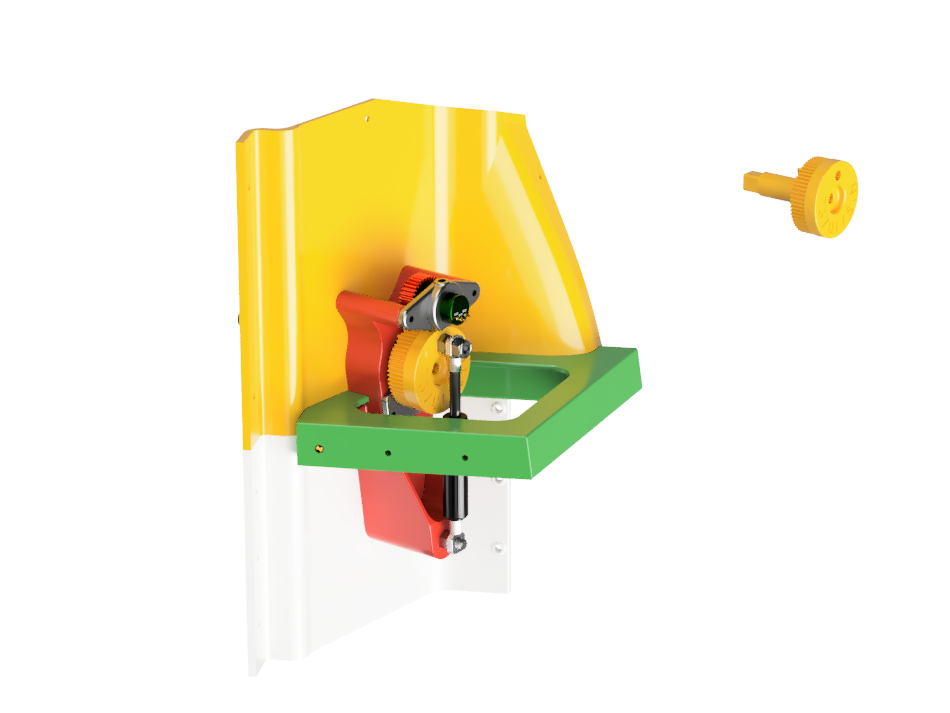
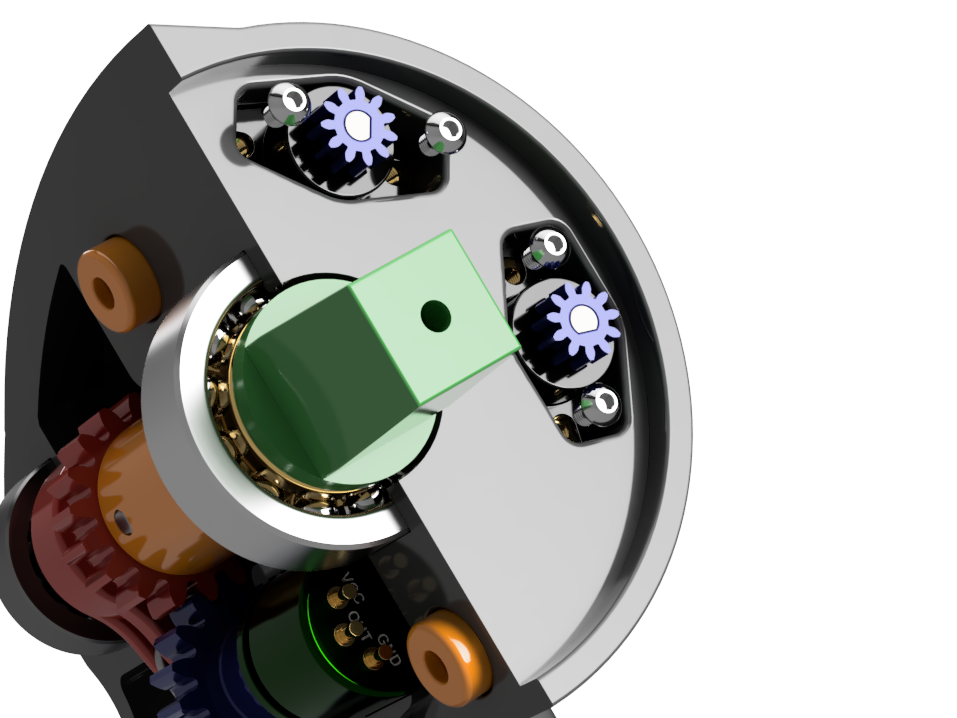
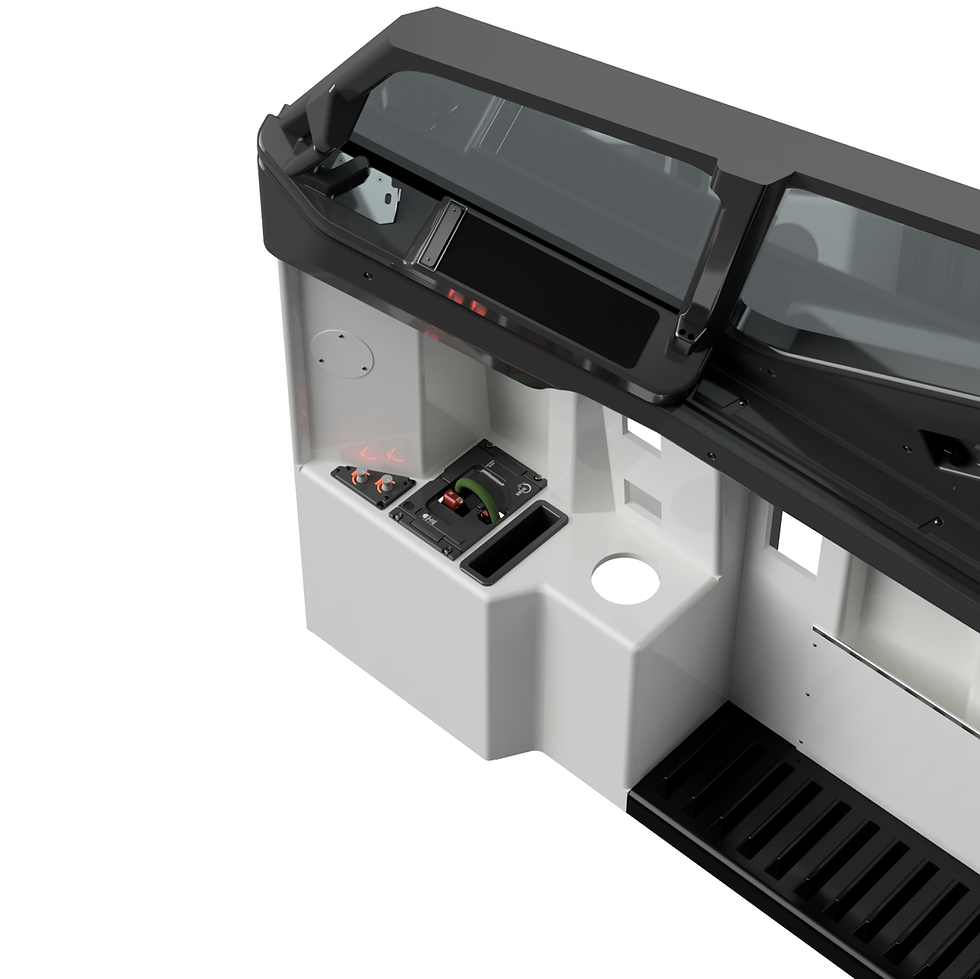
Available to download on Cults3d - Click Here
Note: Fusion 360 is required to open and use this file.
What it is
A complete, production‑ready Fusion 360 model of the Boeing 737 cockpit sidewall—interior and exterior—designed for accuracy, reference, and fabrication. This is the exact design I use to validate geometry, set angles, and confirm part interfaces across the sidewall area.
Why it’s essential
- Single source of truth: Inspect any feature, angle, or dimension directly in CAD before you cut, print, or machine.
- Fitment clarity: Visualize how parts relate and assemble—no guesswork, no hand‑drawn approximations.
- Fabrication‑ready: Use the components to create 2D toolpaths for CNC or export STLs for 3D printing with confidence.
- Builder‑proven: The model reflects hundreds of hours of iterative work with input from multiple Boeing 737 engineers, focused on making home simulator construction more precise and repeatable.
What’s included
- Fusion 360 assembly of the complete sidewall (interior + exterior) designed around MDF construction.
- Clean component structure for easy visibility toggles, measurement, and selection.
- Construction references and named features to help you understand alignment and assembly intent.
- A design you can remix: adapt parts, split panels for your tooling, or export only what you need.
(Tip: Use Fusion 360’s “Measure,” “Section Analysis,” and “Project” tools to derive CNC-ready 2D profiles or part‑specific STLs.)
Intended use & workflow
Open in Fusion 360 → inspect dimensions, angles, and interfaces.
Isolate parts/panels → export as DXF (for CNC) or STL (for 3D printing).
Adapt to your hardware → add your fasteners, brackets, or cable channels.
Fabricate in MDF (or your chosen material) and assemble with confidence in the geometry.
Perfect for home cockpit builders, sim labs, training rigs, MDF mockups, and integration checks before committing to full builds.
Originality & credits
This design is the culmination of significant hands‑on R&D within the 737DIYSIM ecosystem, refined with help and insights from Boeing 737 engineers. It’s built to accelerate serious builders from concept to cut parts while maintaining geometric fidelity.
If you create improvements or variants, please credit 737DIYSIM / Helen Waters and link back to this page. Remixing is welcome.
Requirements
- Software: Autodesk Fusion 360
- Skill level: Intermediate (basic CAD navigation, exporting DXF/STL, CAM or slicer setup)
- Hardware: A reasonably capable PC—this is a full assembly (complex models benefit from good RAM & GPU)
Limitations & notes
- Not a certification artifact: For simulation/educational use only—not flight‑certified.
- Material assumptions: Designed with MDF workflows in mind; verify and adapt to your specific sheet thickness, fasteners, and tolerances.
- Variant nuances: 737 variants can differ in detail; use the model as a reference baseline and adjust for your exact airframe references if needed.
- Performance: Large assemblies may open slowly on lower‑spec machines—consider isolating components or using lightweight modes.
Updates & support
When updates are published, you’ll be able to re‑download the latest version. I actively refine this model as I build and document guides—your feedback is welcome.
Licensing / remix
- Personal use & remixing encouraged.
- Please credit 737DIYSIM / Helen Waters if you share derivatives.
- For commercial or redistribution queries, contact the creator.
FAQ
Q: Do I need Fusion 360?
A: Yes. The source file is a Fusion 360 assembly. You’ll use it to measure, inspect, and export manufacturing geometry.
Q: Can I 3D print parts directly?
A: Yes—export STLs from the relevant components. For flat panels, export DXFs to create CNC toolpaths.
Q: What MDF thickness is it designed for?
A: Use the model as a precision reference and adapt panel thickness to your local materials. Check clearances and joints in CAD before cutting.
Q: Is this affiliated with Boeing?
A: No. Boeing and 737 are trademarks of The Boeing Company. This is an independent simulator project.