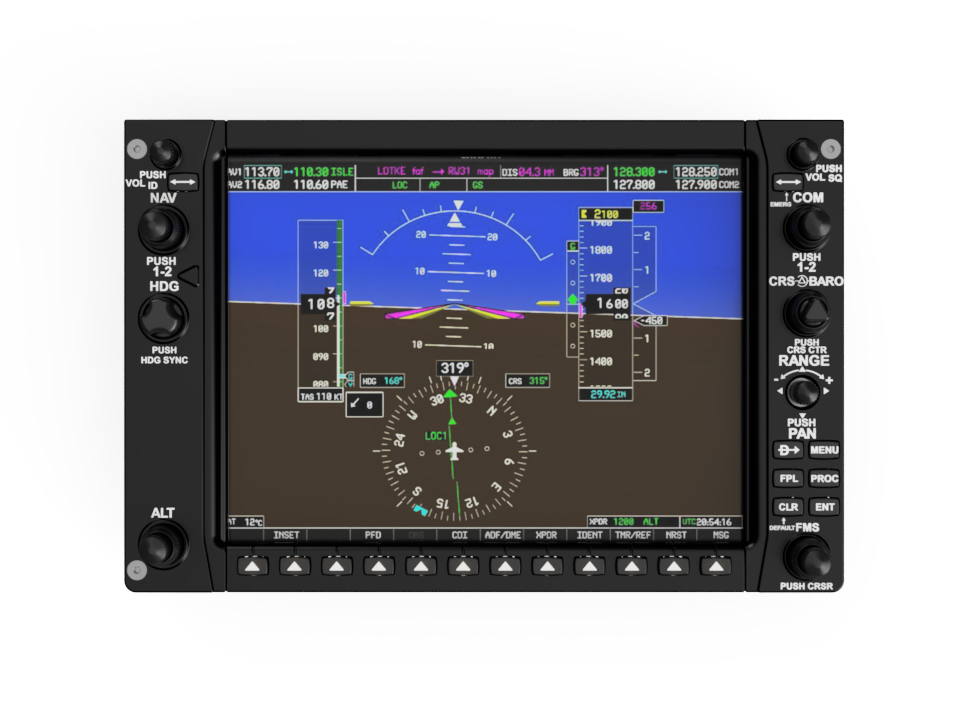

Design available to download on Cults3d -Click Here
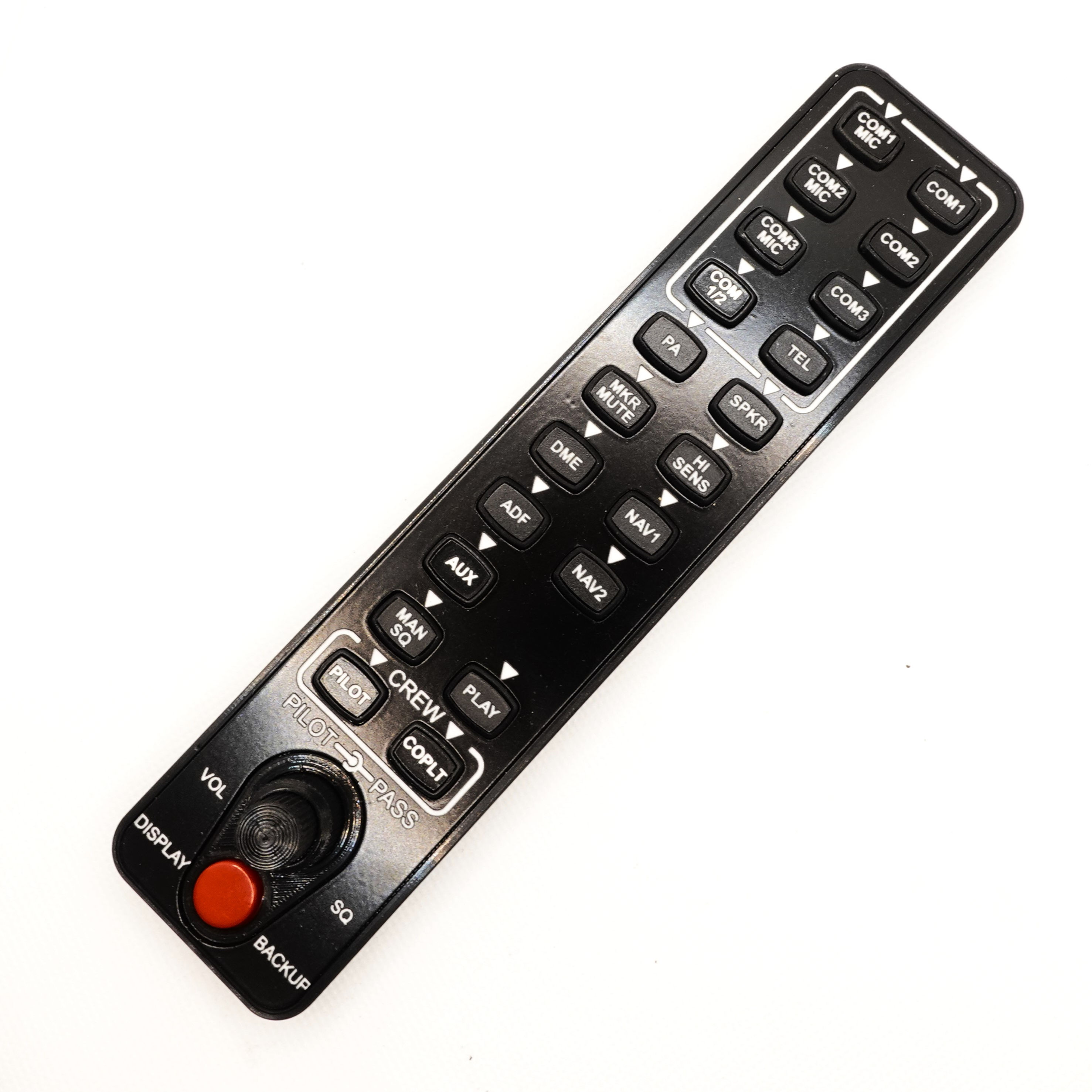
Bring your Garmin G1000 simulator setup to life with this highly detailed, backlight‑ready replica of the Garmin GMA‑1347 Audio Panel. This download includes both build versions—a fully 3D‑printable model (V1) and a premium laser‑engraved variant (V2)—so you can choose the approach that best fits your tools, experience, and desired finish.
Overview
Designed for use in MSFS 2020 with aircraft equipped with the Garmin G1000 system (such as the Cessna series), this audio panel adds an authentic layer of immersion to your home cockpit. All annunciation arrows are illuminated using 3 mm LEDs, and button backlighting is created using LED tactile switches, delivering a clean, professional aesthetic.
The model is intelligently split into two sections, enabling fast, stable printing on a standard 220 × 220 mm print bed.
Two Versions Included
Version 1 – Fully 3D‑Printed
Ideal for builders who want a complete DIY approach without needing a laser cutter.
- Entirely 3D‑printable
- Simplified construction
- Aesthetic limitations due to fine text, though modern printers can now achieve better results than when this design was originally created
- Perfect for experimenting or building on a budget
Version 2 – Laser‑Engraved Premium Finish
A hybrid approach using 3D‑printed structure combined with laser‑engraved faceplates and buttons, resulting in near‑perfect replicative detail.
- Fully backlightable with crisp, sharp text
- DXF files included for home laser cutting
- Compatible with pre‑made, drop‑in laser panels
👉 Purchase ready‑made panels here:
https://www.737diysim.com/product-page/gma-1347-audio-panel-1 - STL files for the base structure also included
- Ideal for builders seeking a professional, realistic finish
Note: Although V2 is designed for laser panels, a full 3D‑printed option is possible. However, due to very small text, this is not recommended.
Functionality & Sim Limitations
This is a simulation audio panel, and while the physical controls function, some real‑world audio features are not fully implemented in MSFS.
Examples include:
- ADF volume
- Marker beacon volume
- Some intercom functions
These controls can be wired, but the simulator may not support their full behaviour yet.
What’s Included
- STL files for Version 1
- STL files for Version 2
- DXF laser‑cutting files for premium faceplates
- Printable buttons and components
- Wiring locations for LEDs and tactile switches
- Links to the full build guide and component list:
📘 Build Guide & Parts List:
https://www.737diysim.com/build-guides-1/gma-1347-audio-panel-v2
Key Features
- Designed for MSFS 2020 G1000 aircraft
- Fully backlightable buttons and arrows
- Works with standard 3 mm LEDs and LED tactile switches
- Print‑friendly design split into two sections
- Fits 220 × 220 mm printer beds
- No PCB required (rear wiring necessary)
- Ideal as part of a complete G1000 hardware setup
- Highly accurate faceplate layout based on the real GMA‑1347
Important Notes
- No PCB is included — wiring is done manually on the back of the unit
- Backlighting performance varies depending on LED placement and diffusion
- Some MSFS audio functions are not yet fully simulated
- For best appearance, Version 2 with laser‑engraved parts is recommended
Perfect For
- MSFS 2020 home cockpit builders
- Garmin G1000 enthusiasts
- Makers wanting a realistic yet flexible panel design
- Anyone upgrading an existing sim pit with backlighting capability